
Original PNG
Traced SVG
Image vectorizer
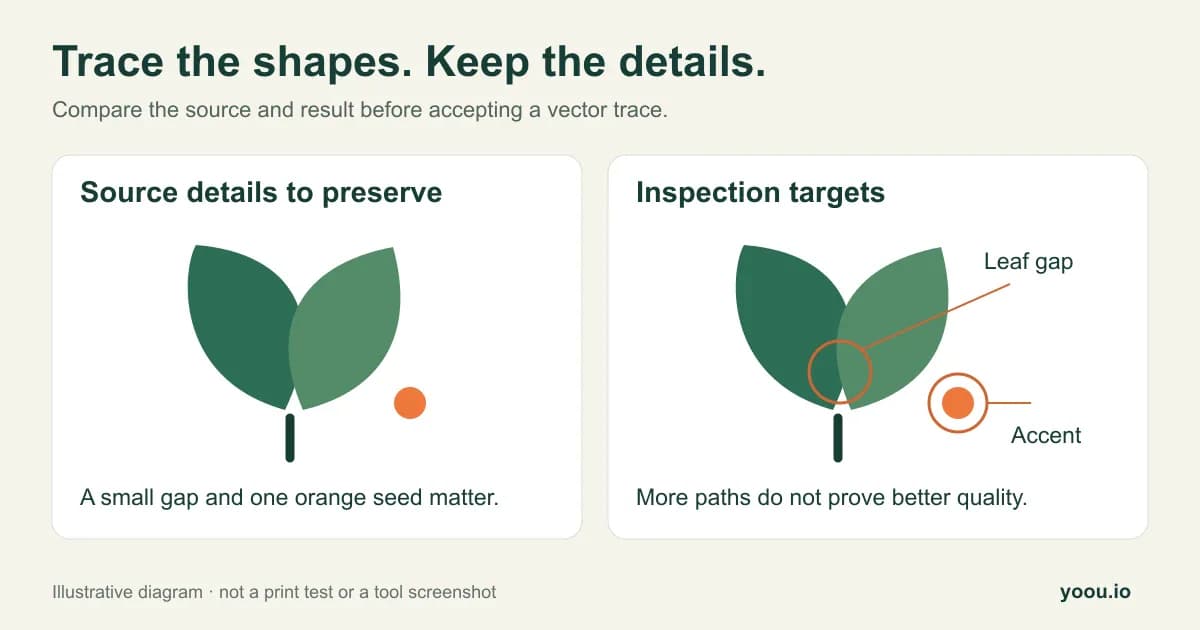
Turn flat illustrations and lettering into vector paths. Compare the trace, adjust the detail and carry it into your design.
Vectorize an imageDesign with AI. Research your niche. Prepare your next product.
 Opening your canvas…
Free account: transparent PNG up to 3,000 px and 3 applied results per image tool every 24 hours. Paid plans include vectorization and local background removal, plus up to 15,000 px, SVG, print PDF and batch export. Both image tools use no AI credits.
Trace it into vectors. Lift it off a plain background. Keep creating.
Turn flat illustrations and lettering into vector paths. Compare the trace, adjust the detail and carry it into your design.
Vectorize an image

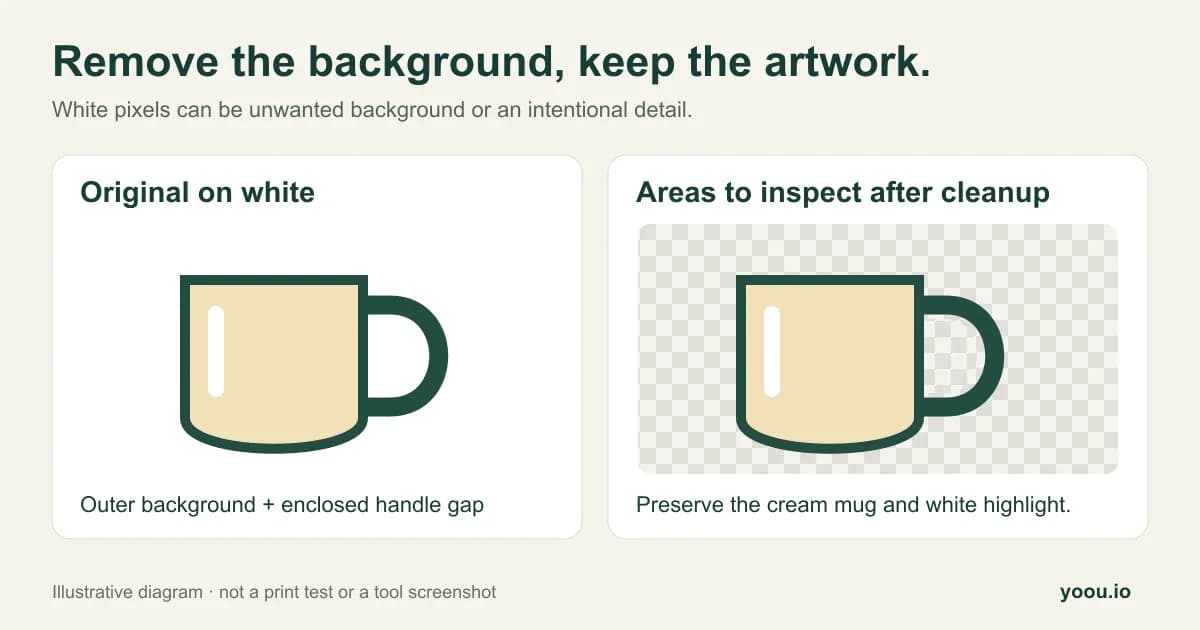
Remove a plain background from your artwork, then erase or restore details with a brush. Keep the result as a transparent PNG.
Remove a backgroundFree account: 3 applied results per tool every 24 hours. Previews and refinements do not use your allowance. Both tools are included in paid plans, with no AI credits. PNG up to 3,000 px is free; SVG and larger exports need a paid plan.
Find your direction, create your artwork and prepare your listing.

Compare a niche with its competition before choosing what to create.
Find a direction
Turn your brief and references into artwork, then make it yours in the editor.

Review your listing and develop titles and keywords for your chosen marketplace.
Prepare your listingAI uses credits from your trial or plan. Each request shows its cost.

Preview your artwork. Check the print.
Export your file.
Bring your brief, references and style. Generate artwork, then compose it your way.
Explore AI Studio AI generation uses credits.Research includes its sources and limits. No invented scores or hidden certainty.
Create, download and grow
at your own pace.
Transparent PNG downloads
up to 3,000 px.
Monthly AI credits, image vectorization and exports up to 15,000 px, SVG, print PDF and batch downloads.
Create with the free editor for as long as you like. Paid plans include both image tools, larger exports, AI and research tools.
Choose a workflow to see its credit cost and how many complete runs your monthly balance supports.
Validate ideas. Take the first step.
For new sellers researching a focused set of ideas before they design.
Keep a steady rhythm. Drop with confidence.
For regular sellers who research and publish new designs every week.
A larger monthly pool for an active production pipeline.
For active creators mixing research, SEO, and image production across the month.
See the exact charge before you run a tool. A technical failure restores the credits automatically. Image generation and upscale are separate choices.
Included credits reset each billing month. Saved reports remain available without another charge. Prices are displayed in EUR. Review the final total in checkout before confirming payment.
The essentials before you create and download.
No. Open the free editor, choose an illustration and add your words. Create an account when you are ready to download. Your current design is saved on this device.
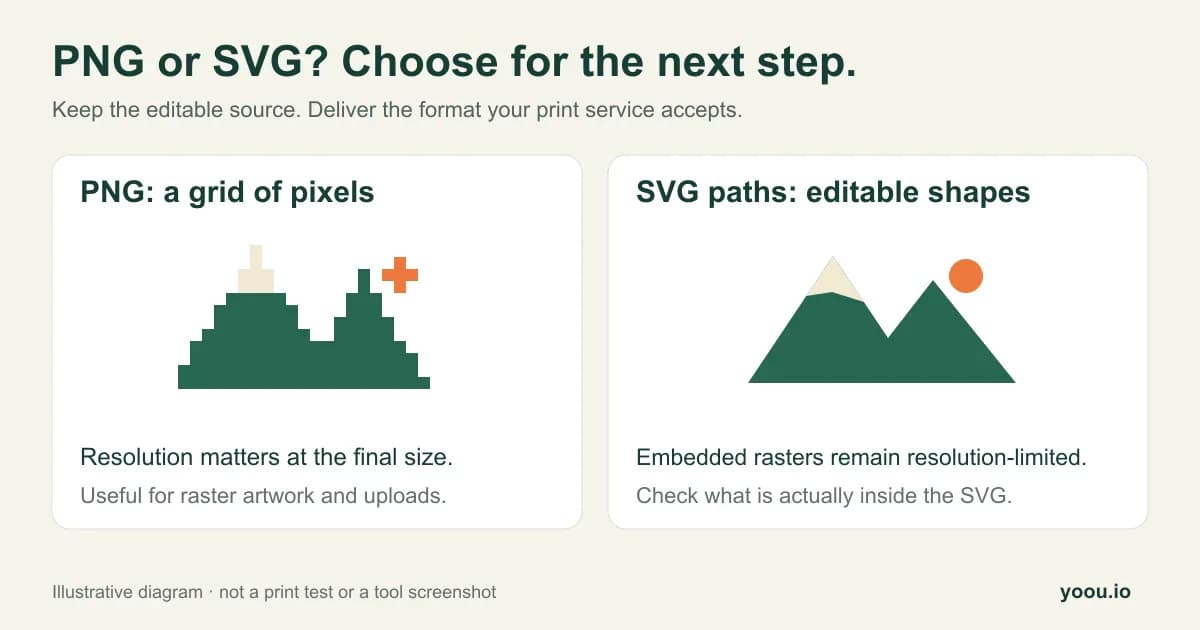
Free accounts can download transparent PNG up to 3,000 px. Paid plans add exports up to 15,000 px, outlined SVG for vector designs, print PDF with physical dimensions at 300 PPI, and batch export. PDF uses RGB color. Image quality also depends on the resolution of your original artwork.
Add an illustration or text in the editor above, keep the canvas background transparent, and check your design on light and dark surfaces. Create an account to download the PNG, then check its pixels at your printer’s intended physical size. A mockup is a preview, not the print file.
Yes. Select artwork, text or a group, open Halftone and choose Original colors. Adjust Shadows to change coverage in dark areas. Check the final export at print size; this effect does not create printer-calibrated color separations.
You can use the included free fonts and elements in commercial designs under their licenses. Check any artwork you upload and any AI result for third-party rights before selling. Asset details and license notices remain available in the editor.