Skip to content
yoou.

Check PNG dimensions with pixels and physical size

A 300 DPI label does not create detail. Effective print resolution comes from the actual pixel width and height divided by the intended print size in inches.

  • Uses measured pixels
  • Separates metadata from detail
  • No fake print-ready claim
Original print-on-demand artwork example used to demonstrate pixel and print-size verification
1

Read the actual file

Measure width, height, MIME type, file size, alpha channel, and whether transparent pixels really exist. Do not infer these values from the filename.

2

Enter the print area

Choose inches or centimetres and use the supplier’s final print width and height. Effective PPI is calculated on both axes and the limiting axis decides readiness.

3

Confirm supplier constraints

Even a high-PPI PNG still needs the correct template, bleed, safe area, color profile, and maximum file size for the exact product.
See the workflow on real Yoou files

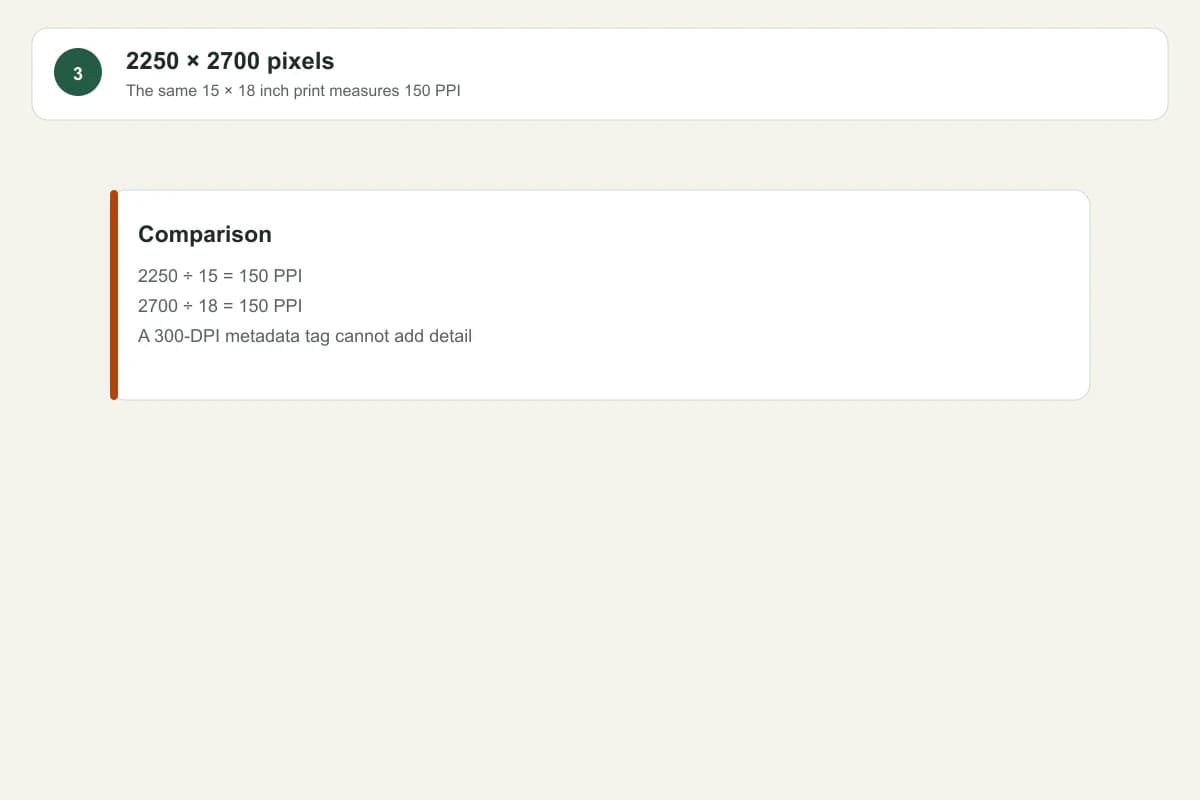
1A real PNG file with width height format and transparency measured
Read the file itselfThe checker measures pixel dimensions, MIME type and transparency instead of trusting the filename.
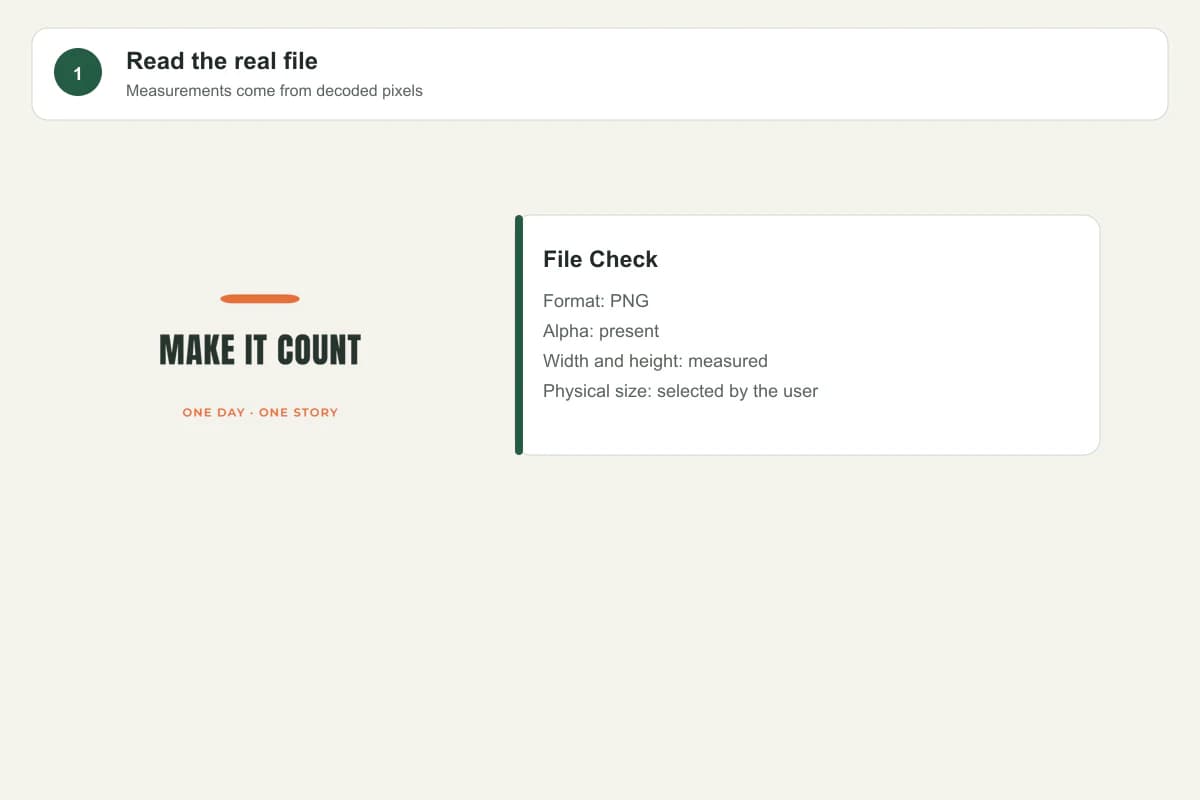
24500 by 5400 pixel PNG calculated at 300 PPI for a 15 by 18 inch print
4500 × 5400 at 15 × 18 inchesThe limiting axis is 300 PPI for this selected physical size.
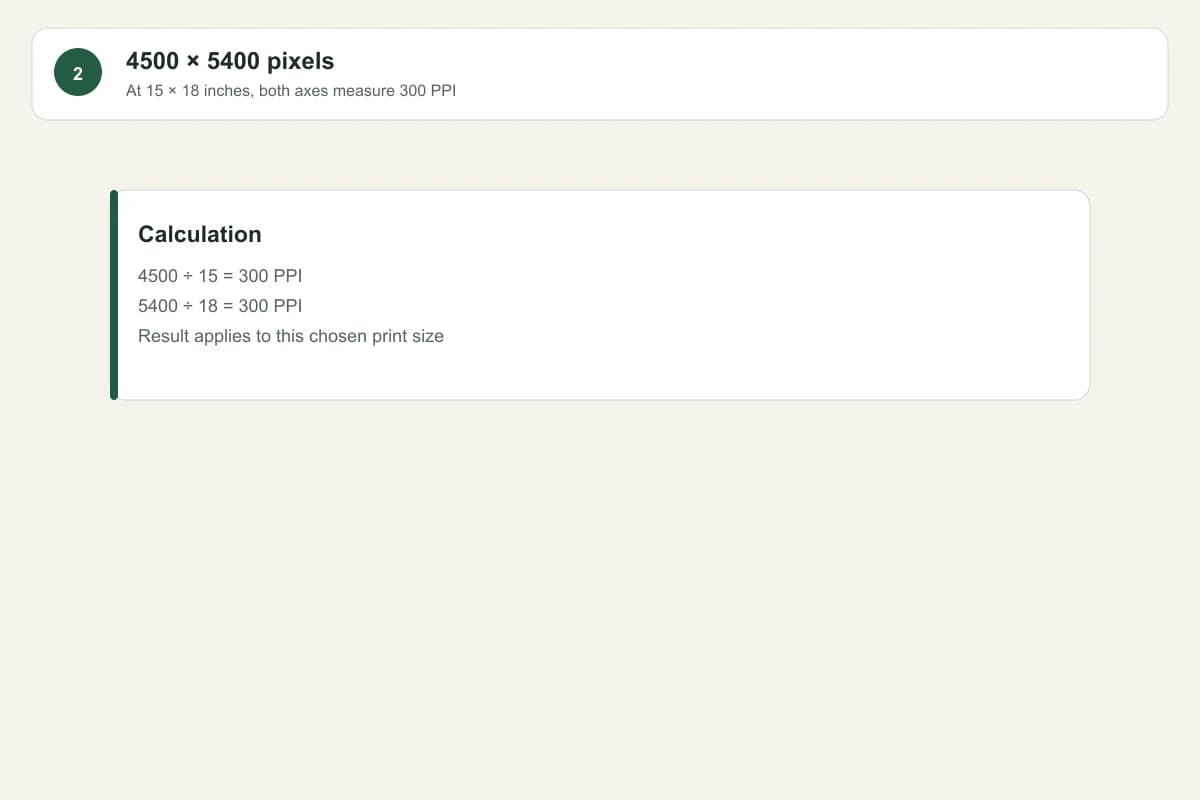
32250 by 2700 pixel PNG calculated at 150 PPI for the same 15 by 18 inch print
Compare the same print sizeWith half the pixels, the same 15 × 18 inch output measures 150 PPI; no metadata label restores missing detail.

What changes in practice

15 × 18 inch print area

Before
A 300 DPI metadata tag is treated as proof.
After
4500 × 5400 pixels ÷ 15 × 18 inches = 300 × 300 effective PPI.

The same physical size with fewer pixels

Before
2250 × 2700 pixels is still described as universally print-ready.
After
2250 × 2700 pixels ÷ 15 × 18 inches = 150 × 150 effective PPI, so the result is reported for that selected size only.

Marketplace requirement

Before
One generic dimension claim is reused for every product.
After
The measured file is checked against the official template or pixel requirement for the exact enabled product.

Pixels ÷ inches = effective PPI

Use the free checker for a measured answer, then keep the result with the artwork revision you actually plan to upload. The check is transparent guidance, not a printer certification.

Prepared and reviewed byYoou product team
Last checked
SourcesRedbubble: Dimensions & Format