Skip to content
yoou.

Export the mockup and the print file as two different assets

The commercial preview sells the idea; the transparent PNG is what production needs. Keeping both files tied to one applied revision prevents a polished mockup from hiding the wrong artwork.
  • One applied revision
  • 2400 px mockup
  • Separate print PNG
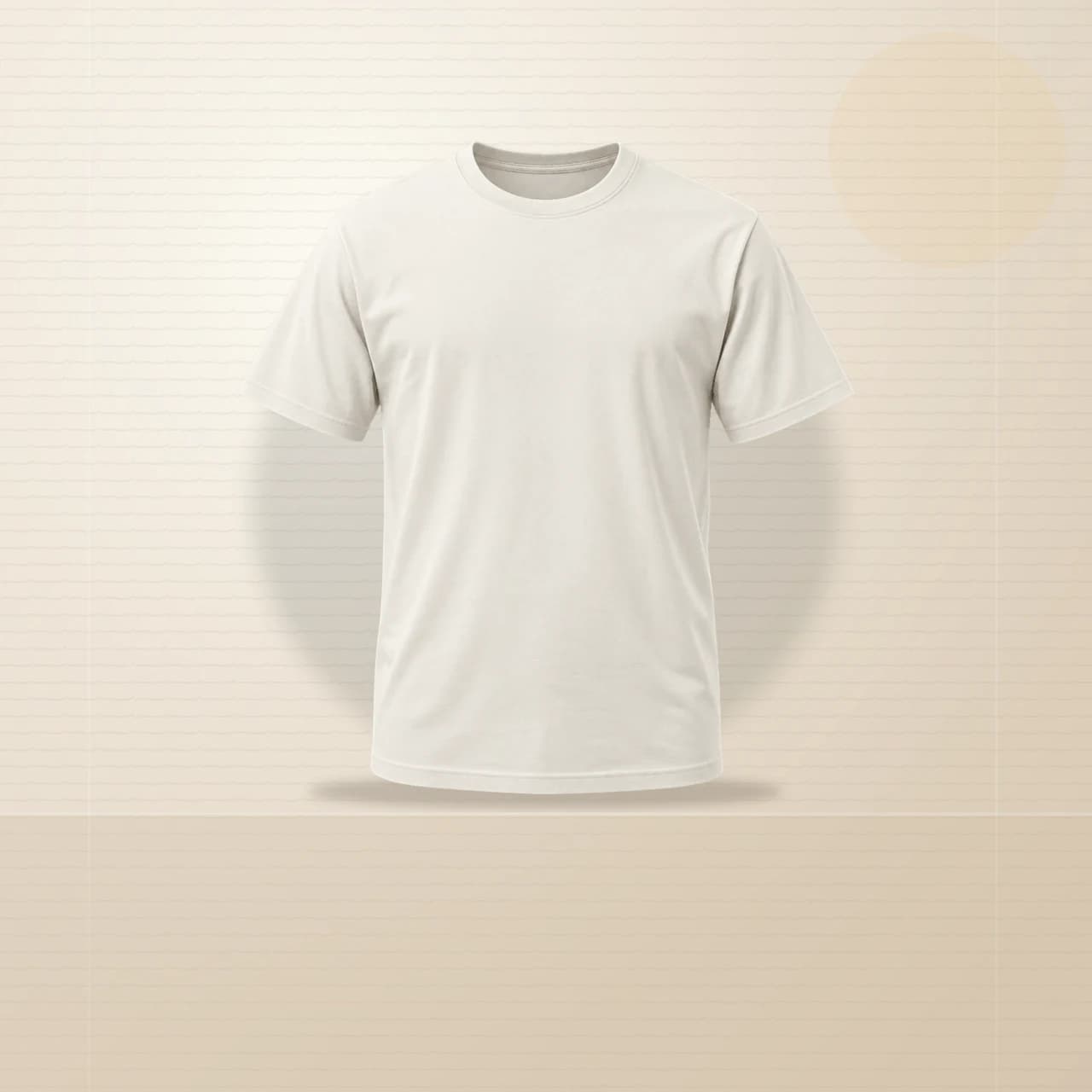
Original Yoou T-shirt studio scene used to verify artwork placement
1

Apply one revision

Finish the editable composition and apply that exact revision before exporting anything. A later draft should never silently replace the approved design.

2

Position on the real scene

Use the safe area and product transform to check size, rotation, and contrast. Export the mockup only after the print placement looks credible.

3

Keep both deliverables

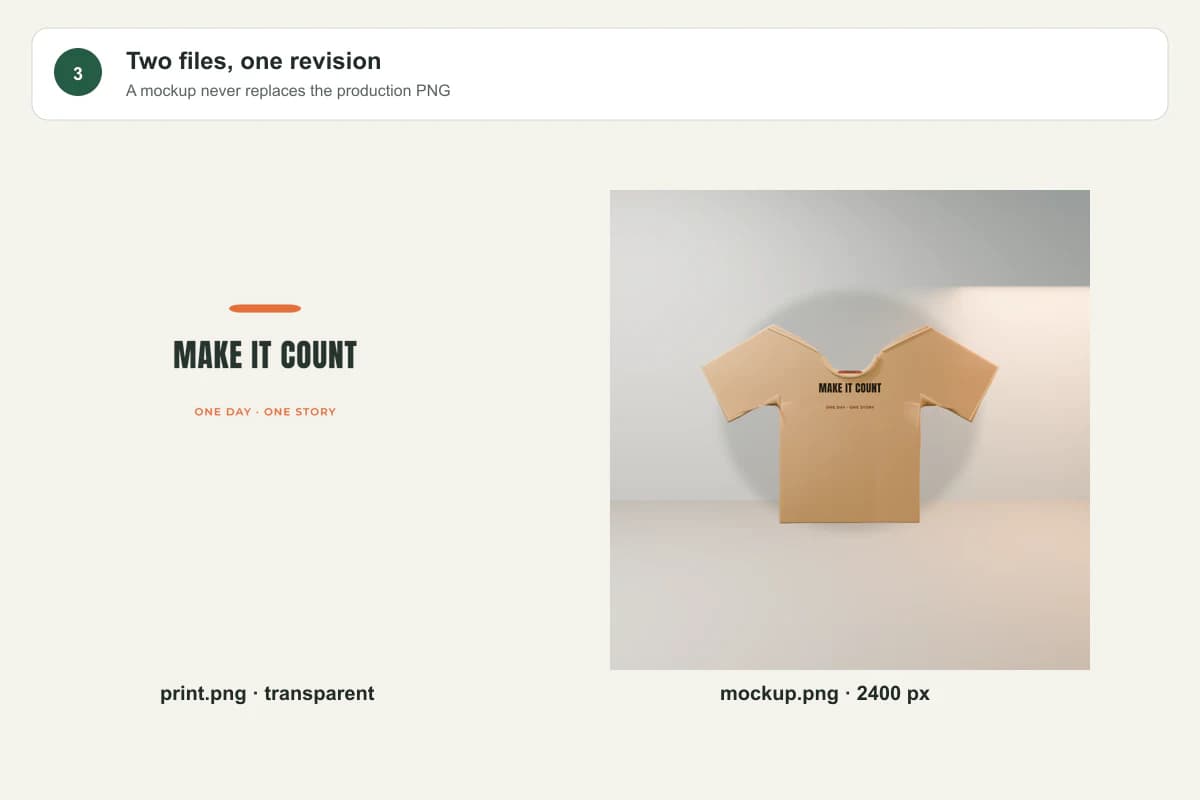
Save the mockup for the listing and the transparent PNG for production. A package manifest should identify the revision and dimensions used by both.
See the workflow on real Yoou files

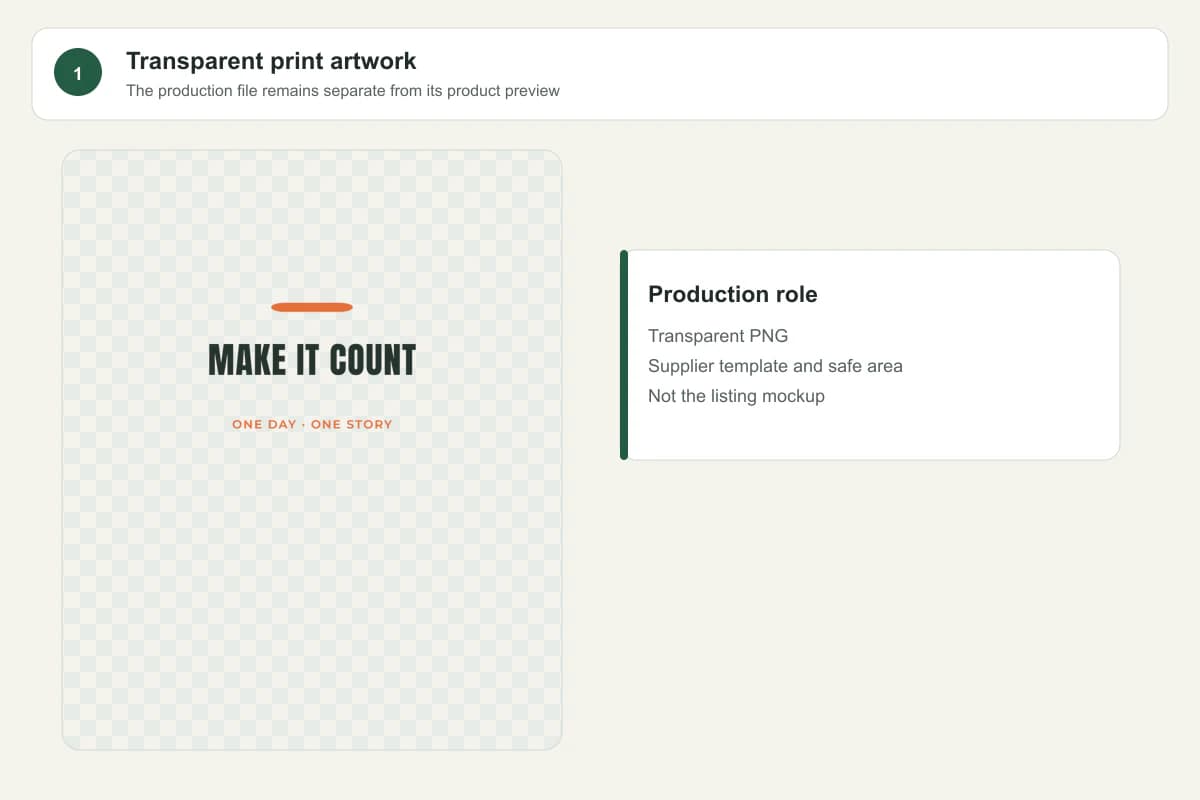
1Transparent print artwork before it is placed on a product
Keep the transparent print fileThis is the production artwork, not the marketplace product image.
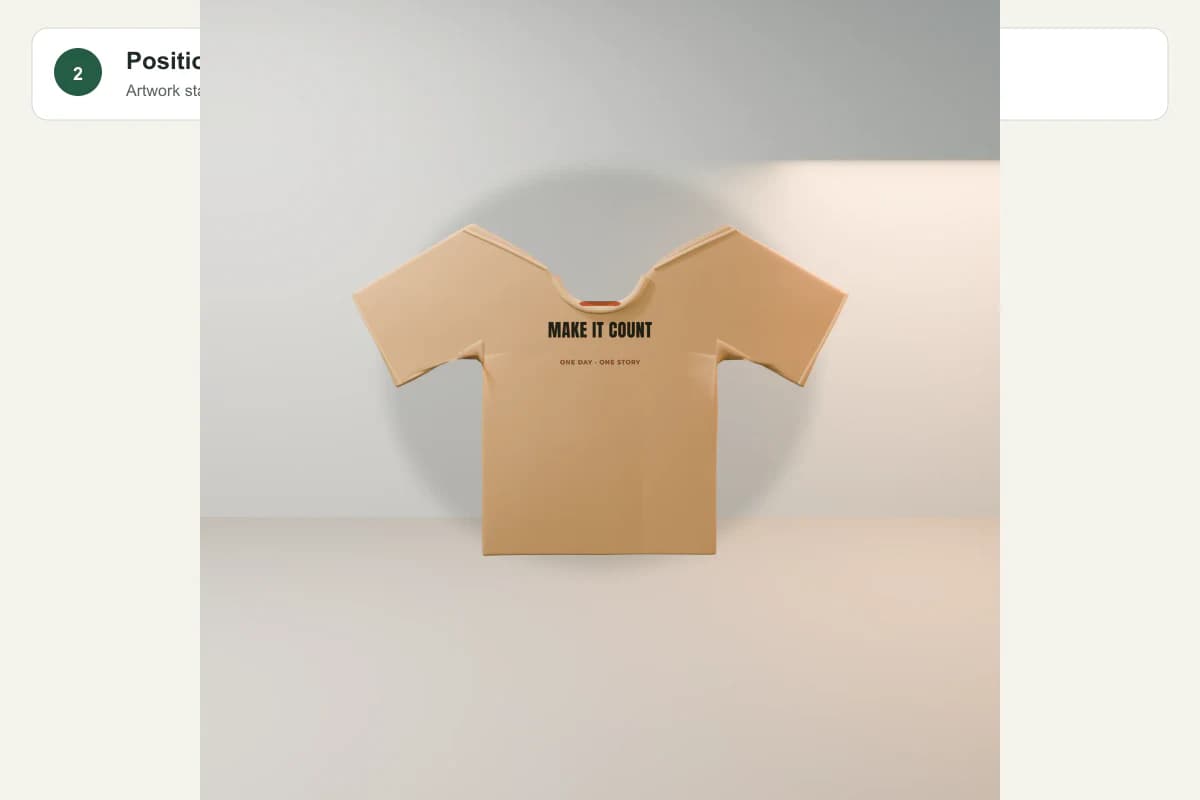
2Artwork positioned inside the safe area of a Yoou T-shirt scene
Position the same revisionScale, rotation and safe-area placement are checked on the selected product scene.
3Separate mockup and production PNG outputs from one revision
Download two distinct outputsThe package names the print PNG, mockup and revision instead of treating one file as both.

What changes in practice

Transparent production artwork

Before
A draft preview with unconfirmed wording or background.
After
Download print-ready PNG exports the selected applied revision with transparency preserved.

Product preview

Before
A flat artwork thumbnail that does not prove placement.
After
Product mockup uses the same revision, safe area, scale, rotation, deformation, and scene lighting used in the editor.

Export package

Before
Separate files with no way to confirm which design version was used.
After
Download Studio package keeps the print file, product mockup, wording, dimensions, and revision manifest together.

A mockup is evidence of presentation, not a substitute for the production file

Yoou exports the scene and the print PNG separately so you can upload the right asset to the right field and still recover the editable project.

Prepared and reviewed byYoou product team
Last checked
SourcesRedbubble: Uploading Work