Skip to content
yoou.

Prepare the listing only after the design file is final

Listing copy should describe the selected artwork and marketplace, not an earlier draft. Keep the verified print file, mockup, wording and revision lineage together so the upload can be reconstructed.

  • One applied revision
  • Separate listing fields
  • Recoverable package
Original Yoou cat artwork used to demonstrate a complete design-to-listing handoff
1

Freeze the applied revision

Apply the exact composition you intend to sell, verify the wording and file measurements, and do not silently substitute a later canvas draft.

2

Prepare marketplace fields

Create the title, description and tags for the selected marketplace and its supported languages. Keep examples editable and verify trademarks before publishing.

3

Export and cross-check

Download the print PNG, product mockup, listing text and manifest. Confirm that every file names the same project and applied revision.
See the workflow on real Yoou files

1Original Midnight Snack Club artwork from Yoou
Use the selected artworkThe final visible wording and composition become the source for the listing description.
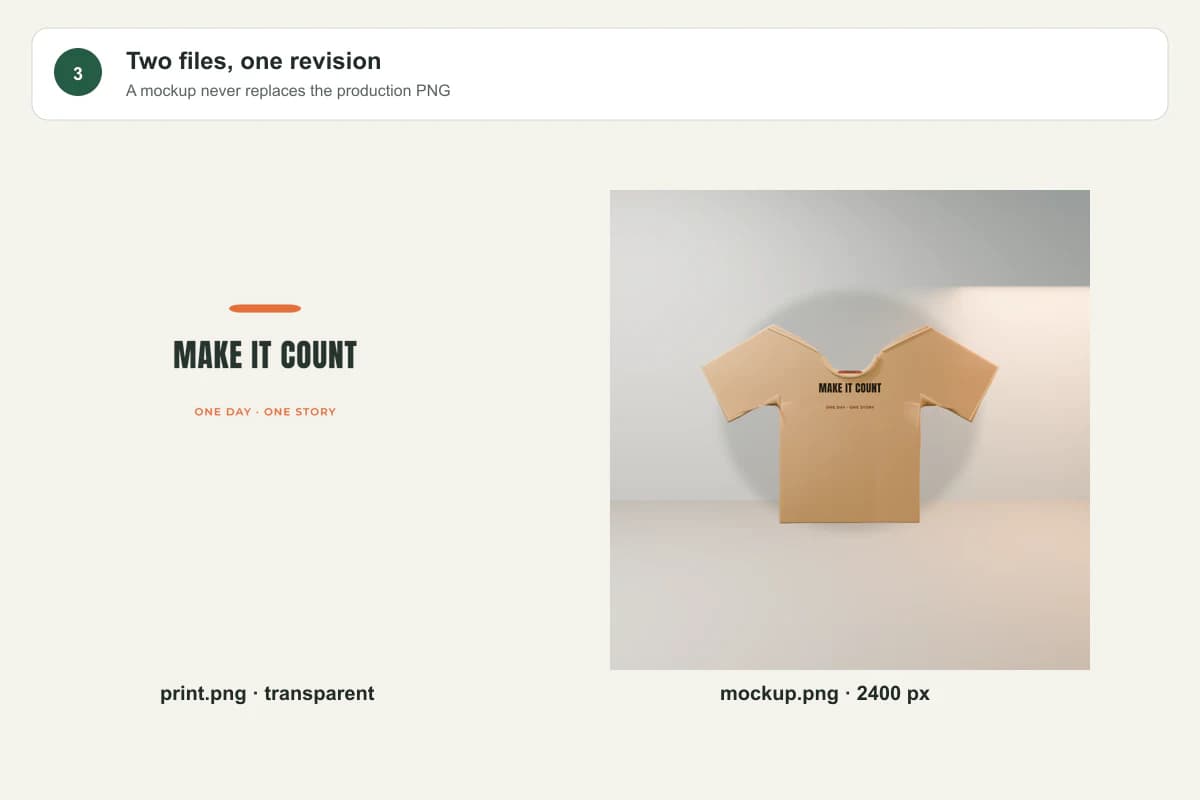
2Separate production PNG and product mockup outputs
Keep production and presentation separateBoth outputs point to the same applied revision but serve different upload fields.
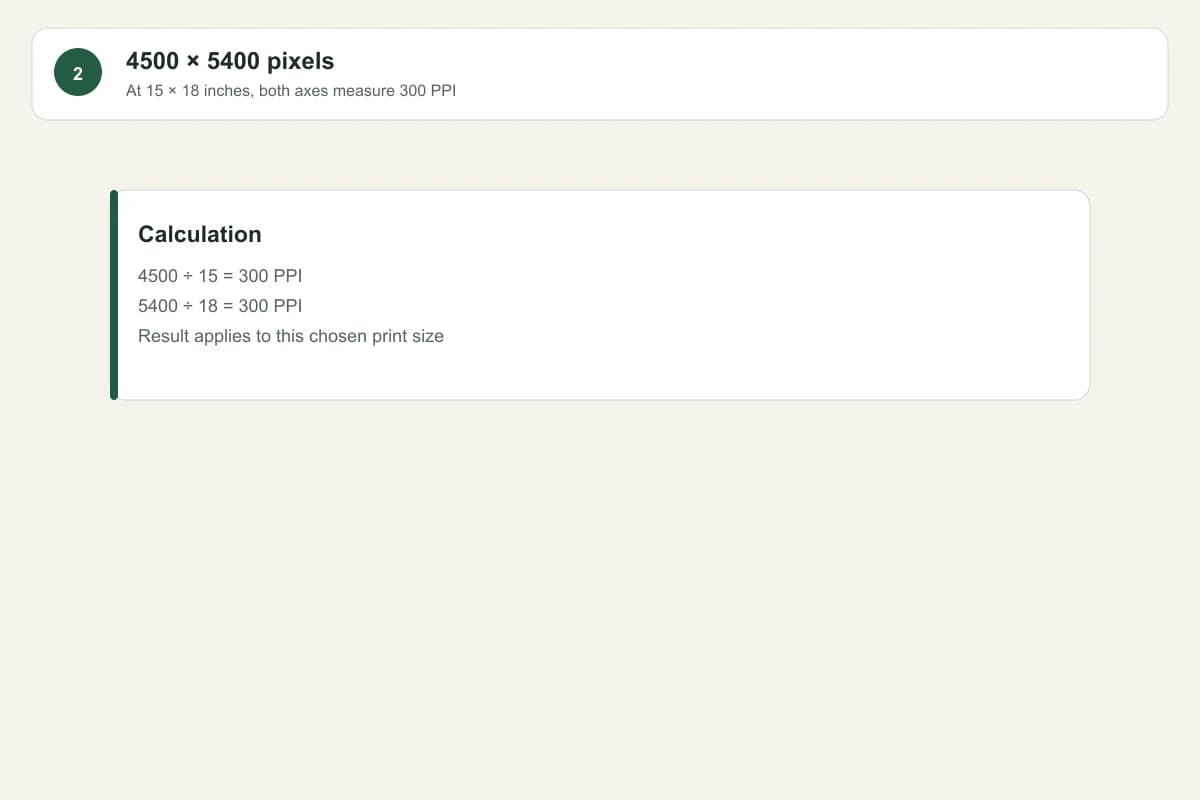
3Measured print file dimensions for the selected physical size
Retain the measured checkThe package records the actual file rather than making a universal print-readiness claim.

What changes in practice

Title and artwork

Before
The listing describes an older version of the phrase.
After
The copy is prepared after the final wording is applied and records the same revision.

Files

Before
A marketplace mockup is reused as the production file.
After
The transparent print PNG and product mockup are separate named outputs.

Handoff

Before
Files are downloaded individually with no shared identity.
After
A manifest connects dimensions, hashes, project, product and applied revision.

One package should explain exactly what is ready

The listing is ready only when its wording matches the applied design. Missing fields remain visible, while available files can still be downloaded without pretending the package is complete.

Prepared and reviewed byYoou product team
Last checked